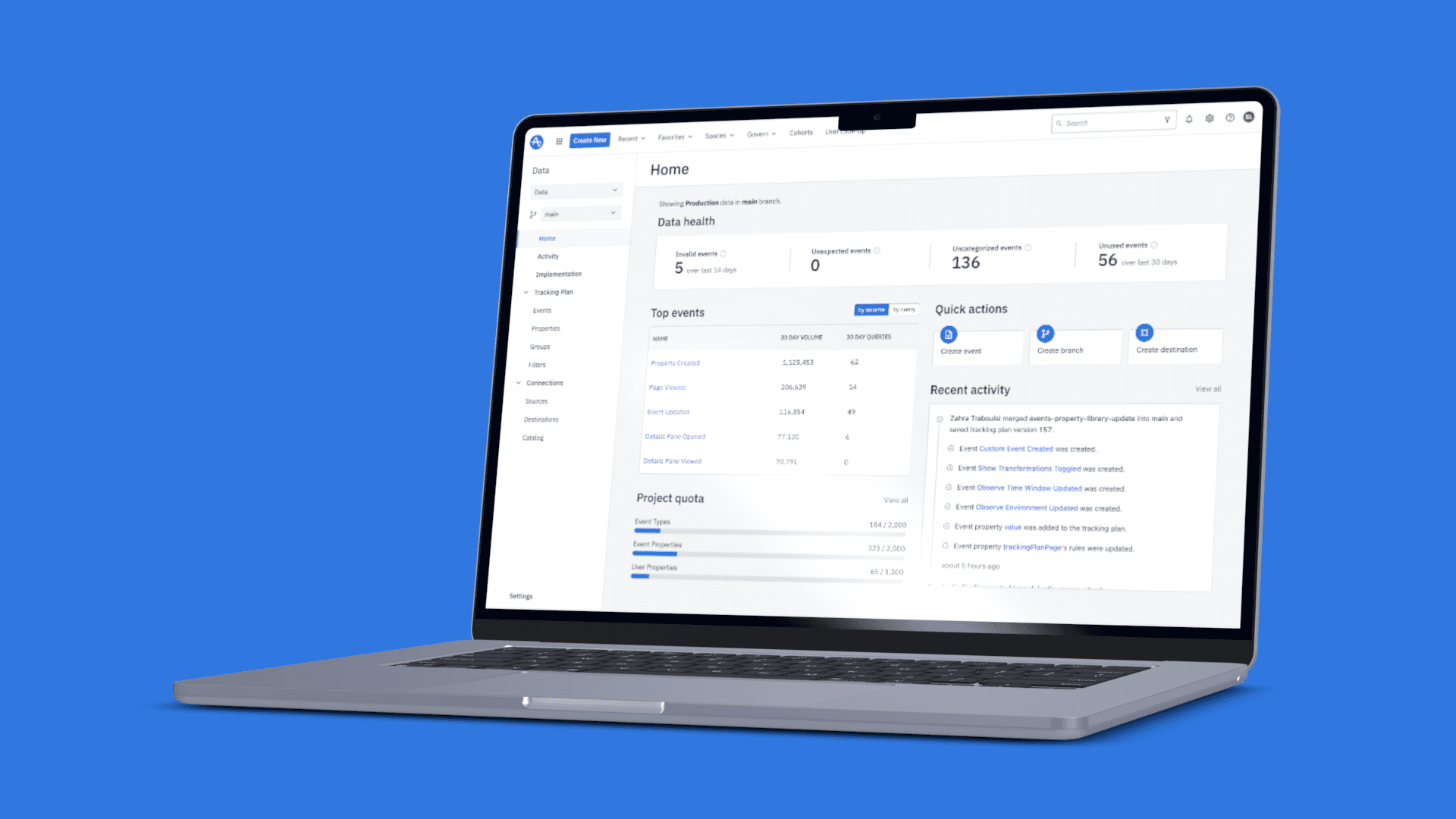
I built a default landing experience on data.amplitude.com. The new experience, built for Data governors, aims to be more informative to our users by showing:
- Data Health: At the very top, we have a snapshot of key summary statistics related to your Data health, which compares your data to your tracking plan, powered by observe functionality:
- Invalid events: Any event or property that doesn’t match your current tracking plan.
- Unexpected events: Any event or property that has not yet been added to your tracking plan.
- Uncategorized events: Any event or property that has not yet been assigned a category your tracking plan
- Unused events: Events and properties that haven’t been used in the timewindow.
Using this information, you can take appropriate actions in your tracking plan
- Top Events
We show top 5 events by volume and query count, to help our users understand what are the highest volume events and events that are most used in charts respectively.
- Project Quota
Snapshot of utilization of Event Types, Event Properties and User Properties against your account allocated quota.
- Quick Actions
We provide quick buttons to either Add Events to Tracking plan, Create Branch to Tracking plan, add a new Destination for sending information out from Amplitude Data.
- Recent Activity
A snapshot of recent changes to your tracking plan on Product environment on main branch.
- Documentation
Links to helpful documentation links to our help center and developer portals.
- Learning Center
Links to helpful resources in Amplitude Academy.